







Why Will Creo Parametric Users Love It?
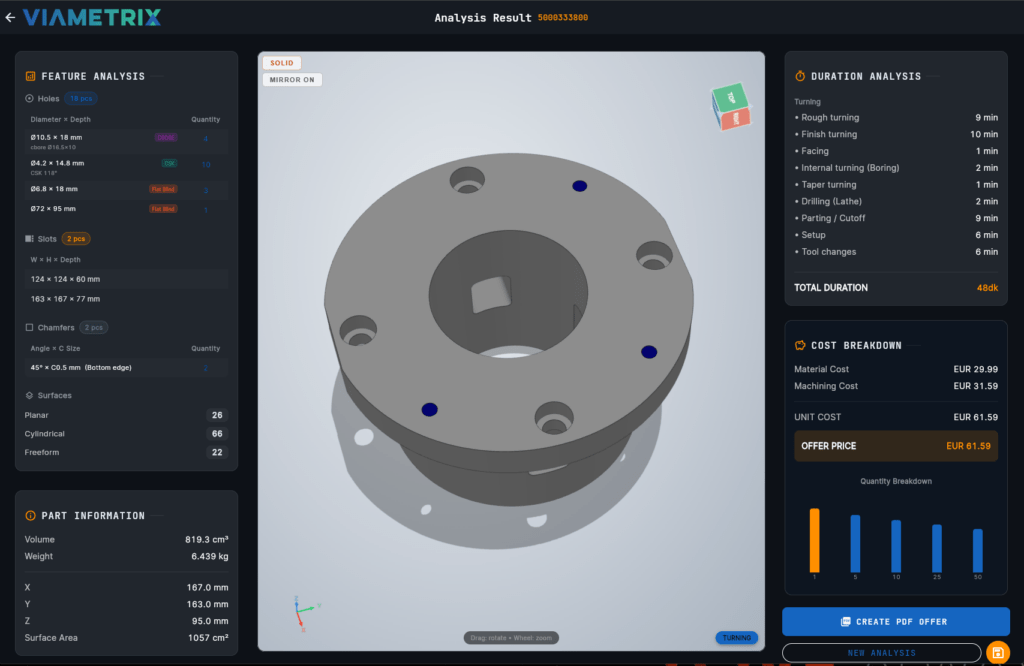
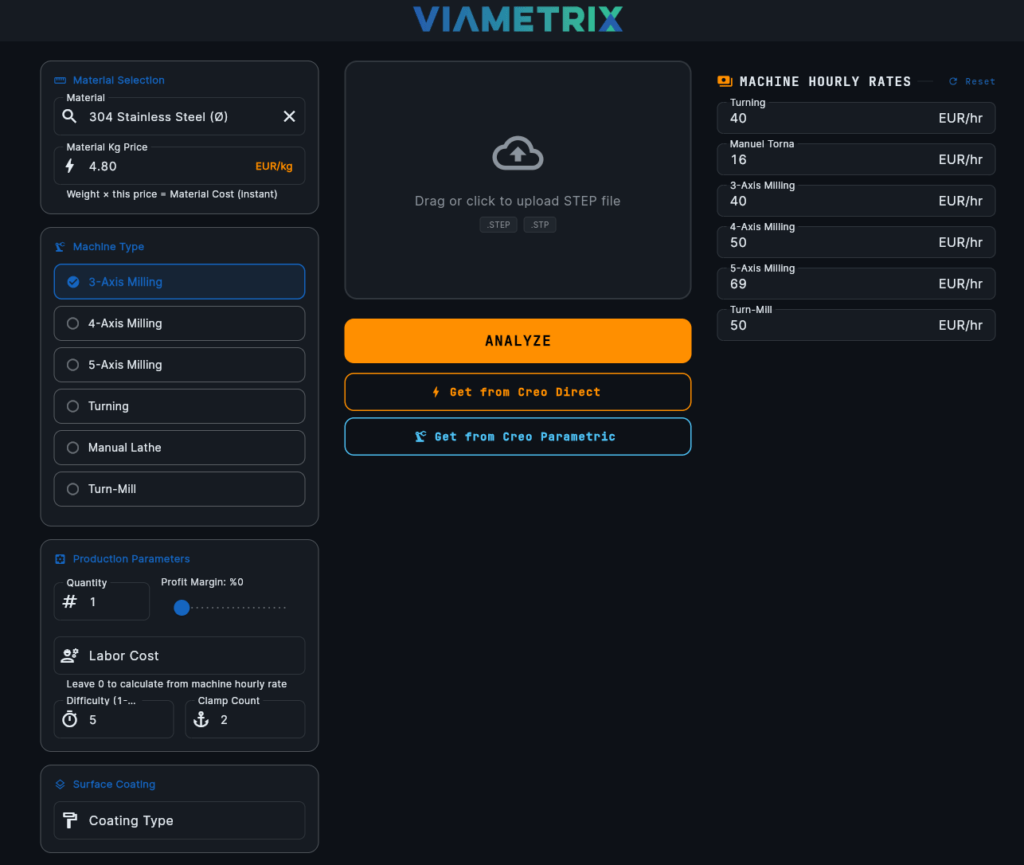
In the traditional process, determining the cost of a part requires saving it as a STEP file, importing it into a CAM program, or waiting days for a supplier's quote. With the Viametrix Creo Add-in, this process is reduced to seconds.
-
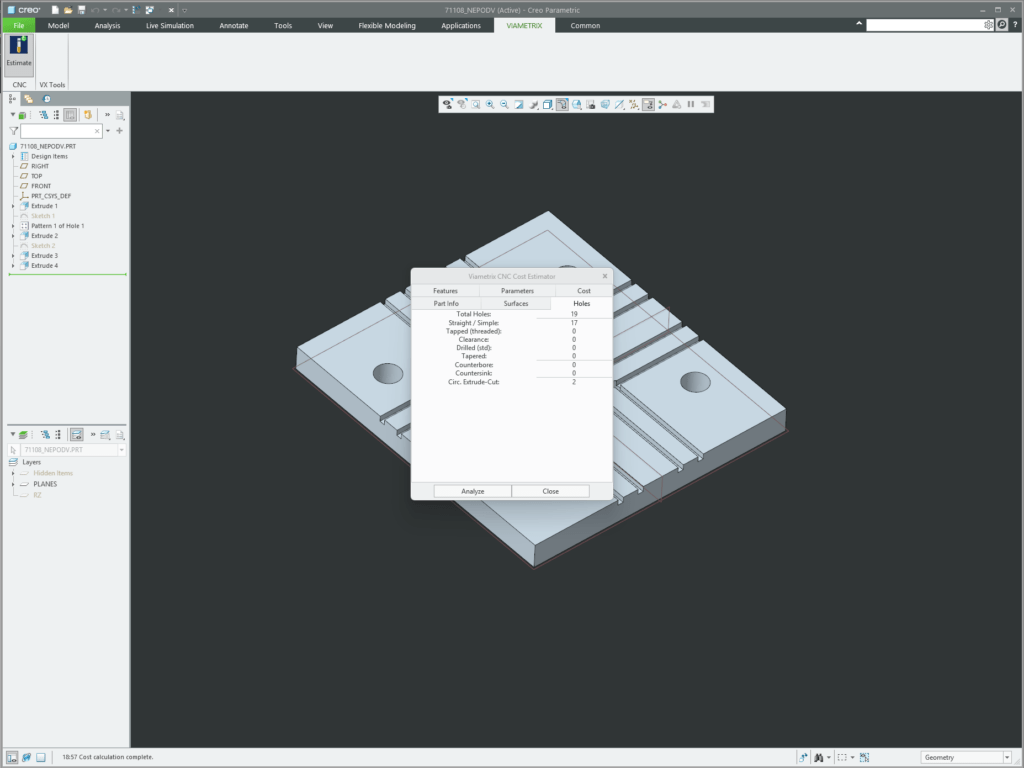
 Perfect Harmony with the Model Tree (Design for Manufacturing): Let's say you changed the depth of a pocket or added a new hole in Creo. Simply Regenerate the model and click the "Analyze" button in the CNC Cost Estimator add-in. Instantly see the machining cost of the new design. Push the boundaries until you find the most cost-effective, manufacturable design.
 -
 No more hassle with file conversions (Export/Import). The Viametrix button added to your Creo Parametric Ribbon automatically reads your part in the background—including all tolerances, colors, and geometric data—and brings the sleek analysis screen directly to you. Surface colors assigned in Creo Parametric to indicate technical drawings or tolerances (AP242 standards) are fully recognized by the Viametrix analysis engine
 -
 Don't Lose Creo Surface Colors (PMI): Surface colors assigned in Creo Parametric to indicate technical drawings or tolerances (AP242 standards) are fully recognized by the Viametrix analysis engine. Creo Parametric’te teknik resim veya tolerans belirtmek için atadığınız yüzey renkleri (AP242 standartları), Viametrix analiz motoru tarafından eksiksiz tanınır.
 -
 Instant PDF Quotation Report: Once the design is approved, generate a detailed PDF quote with your company logo (including operation times, raw material scrap, and per-kg costs) for your customer or purchasing department—without even minimizing Creo.
Make Your Design Decisions Based on Real Pricing. You design for excellence in Creo Parametric; let Viametrix manage the costs for you.